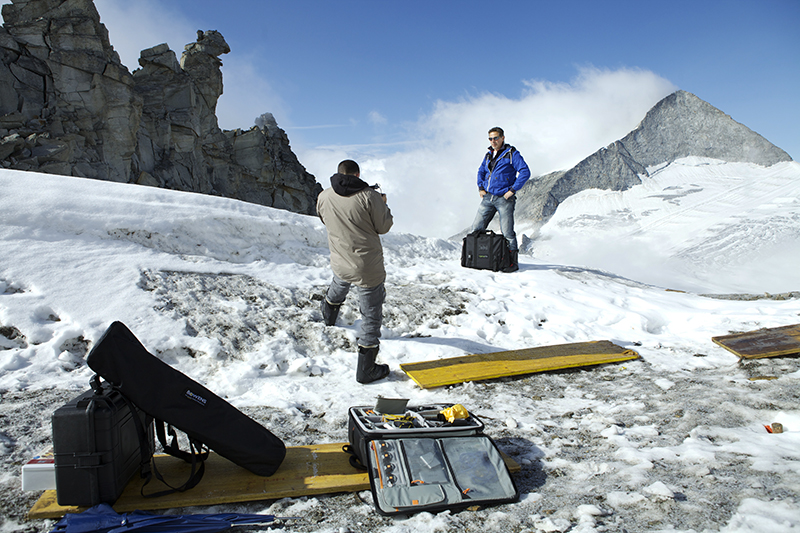
Welcome to The Learning Journal — a personal space dedicated to the deeper side of photography. This category captures creative reflections, mindset shifts, real-world lessons, and behind-the-scenes thoughts from a working photographer navigating the evolving visual landscape.
Inside you’ll find writing on creative breakthroughs, productivity struggles, artistic doubt, inspiration sources, and the mental framework that supports sustained growth in a saturated industry. These journal entries blend practical wisdom with emotional honesty — perfect for photographers craving depth, direction, and connection.
Whether you’re stuck in a creative rut, looking for guidance, or simply curious about the inner journey behind the outer results, this is your space to reset, reflect, and move forward with clarity.
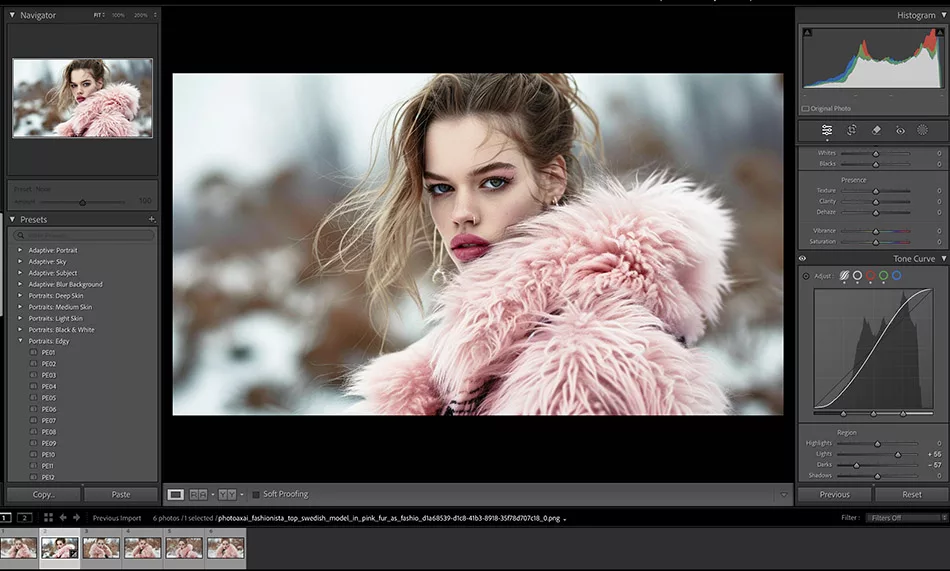
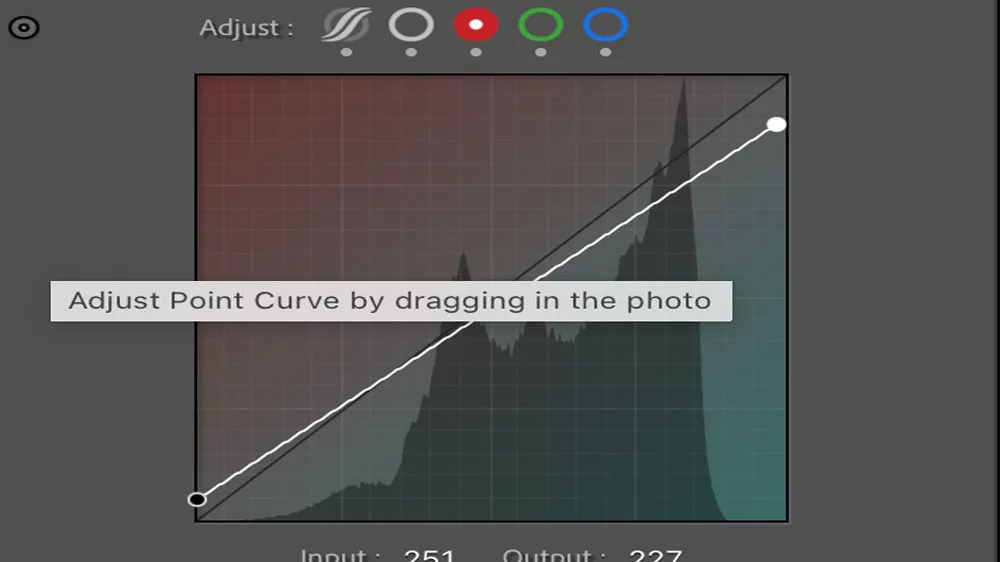
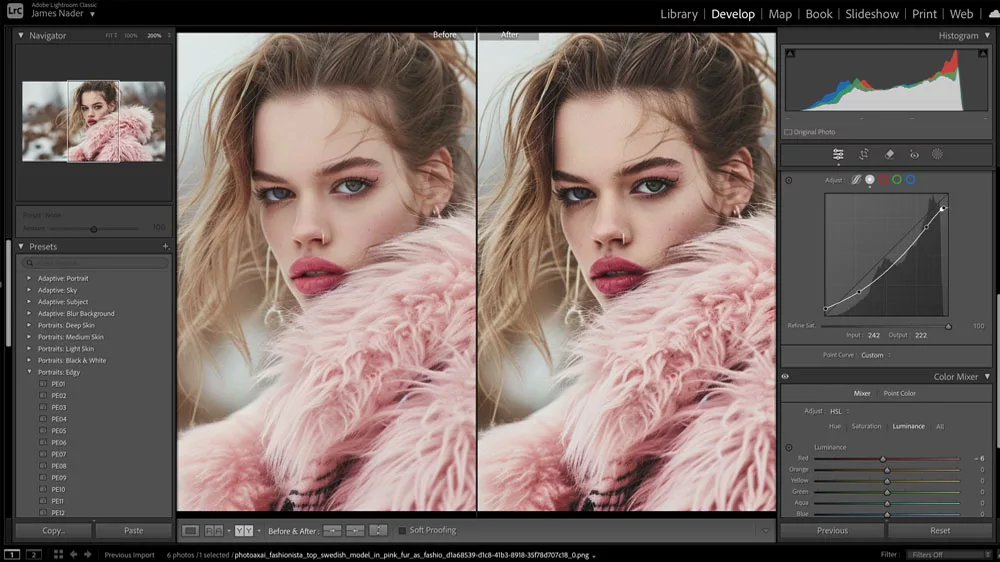



 Choosing the Right Export Settings

 After that, you can gradually dial up the difficulty by shooting in more challenging conditions, such as low light, golden hour, twilight, or when your subject or object is moving. By practicing with different values for aperture, shutter speed, and ISO, you can sharpen your quick thinking skills. Also, you’ll learn to pay attention to how your settings vary, what happens when the light changes and your exposure needs to be adjusted, and how to prepare for those adjustments.
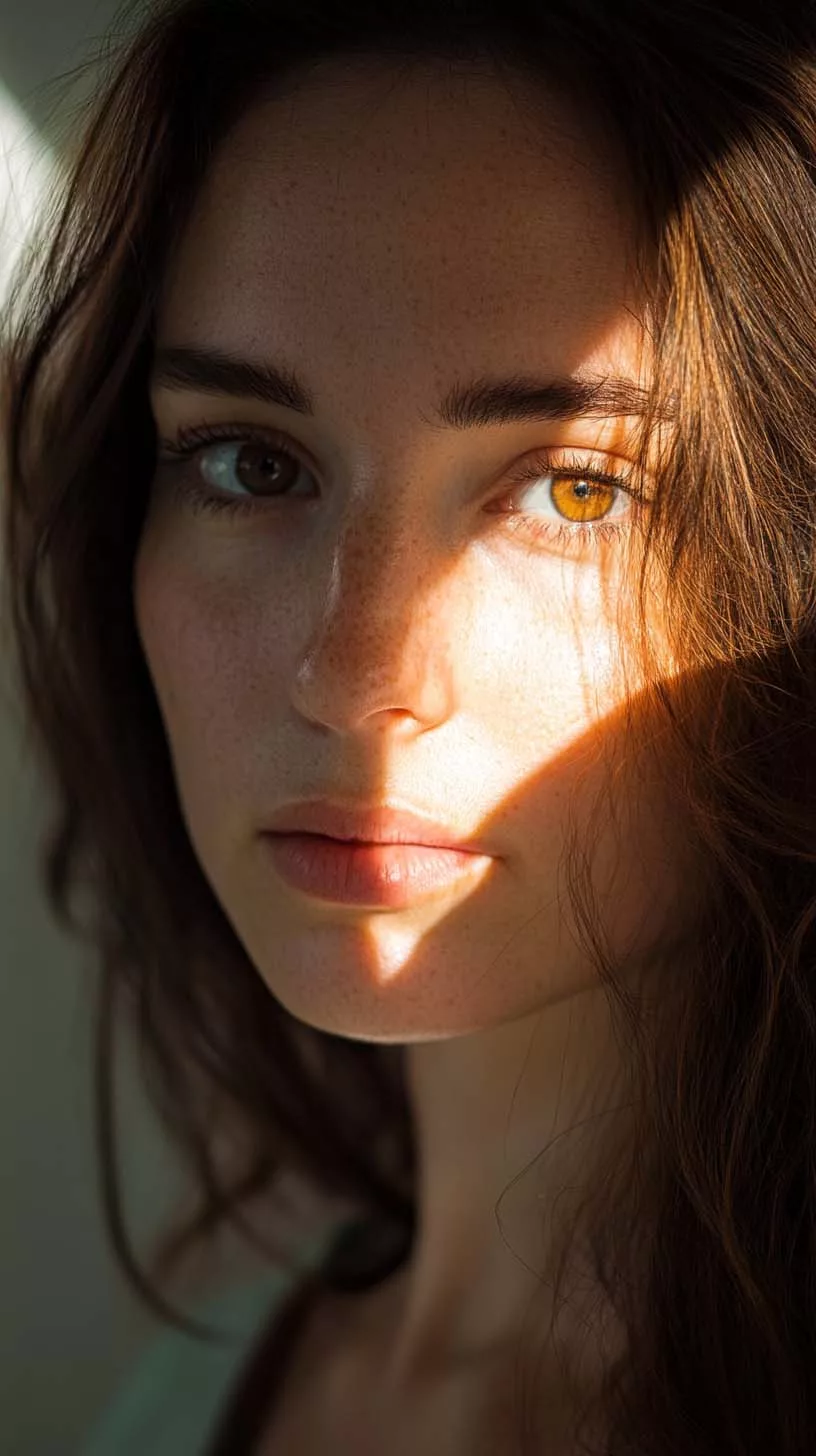
 Sharpen and clarify to perfection. Raising the sharpness and clarity of your portrait will help bring out the subject’s features more clearly. However, you must exercise caution so as not to make your image appear too artificial. An effective way to improve a portrait is to even out skin tone while keeping the details of the subject’s eyes and hair. Eliminate unwanted elements and imperfections from your image by using the healing brush or clone stamp.
 Adding motion to a portrait is another great way to liven it up. Use a longer shutter speed to make your subject slightly fuzzy or in motion when you shoot them if they are already in motion, such when they are walking or even whirling. This gives the shot more life and makes it more interesting.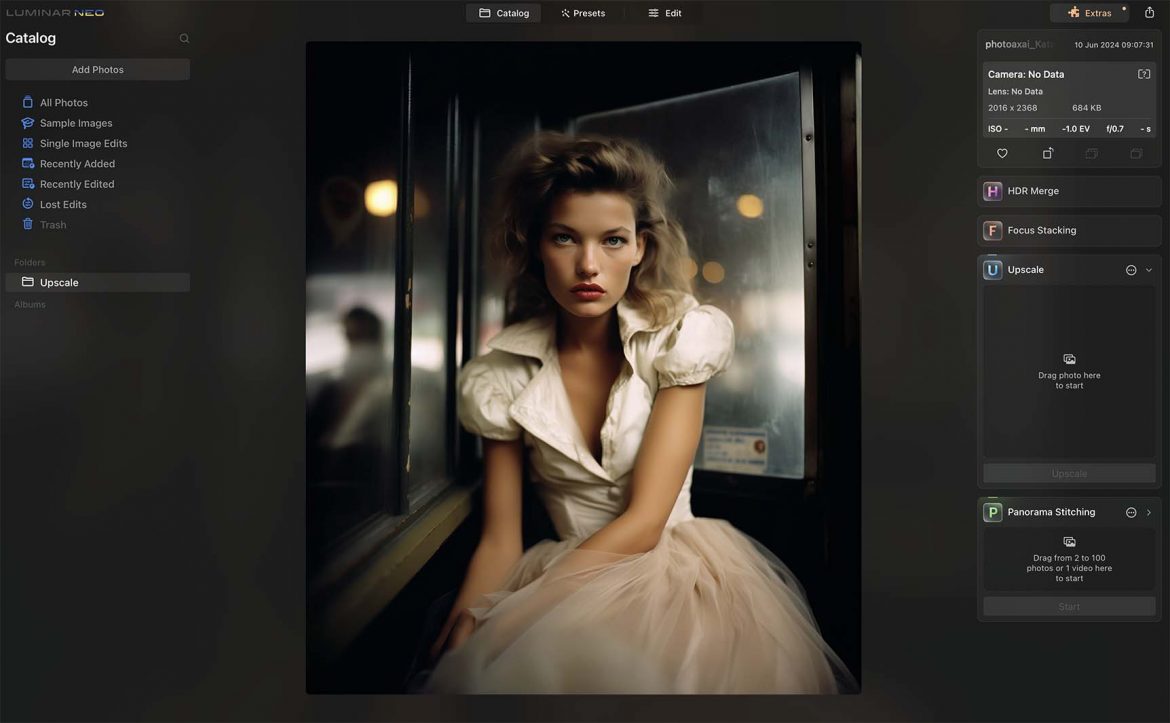
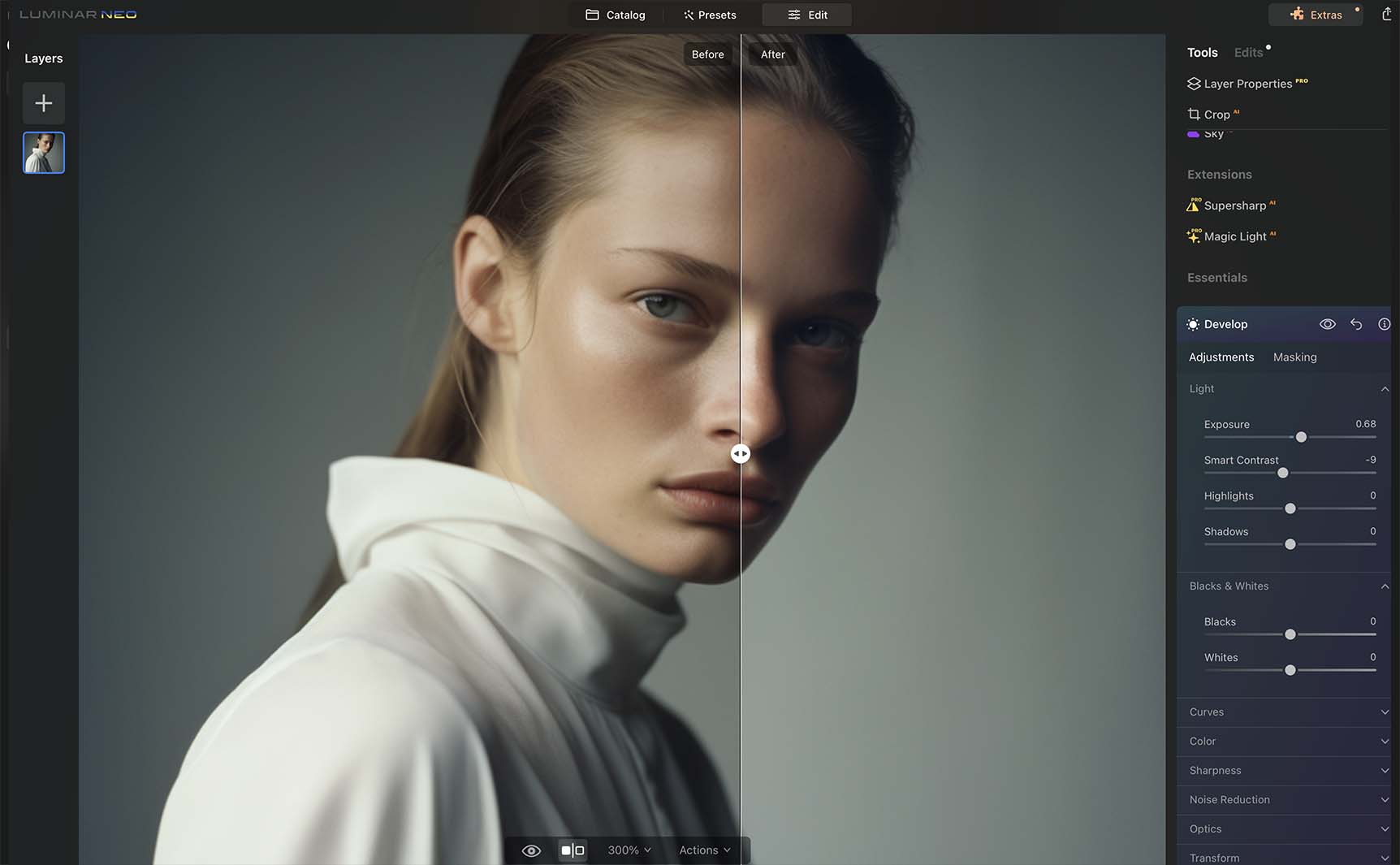 Explore Luminar Neo’s Innovative Tools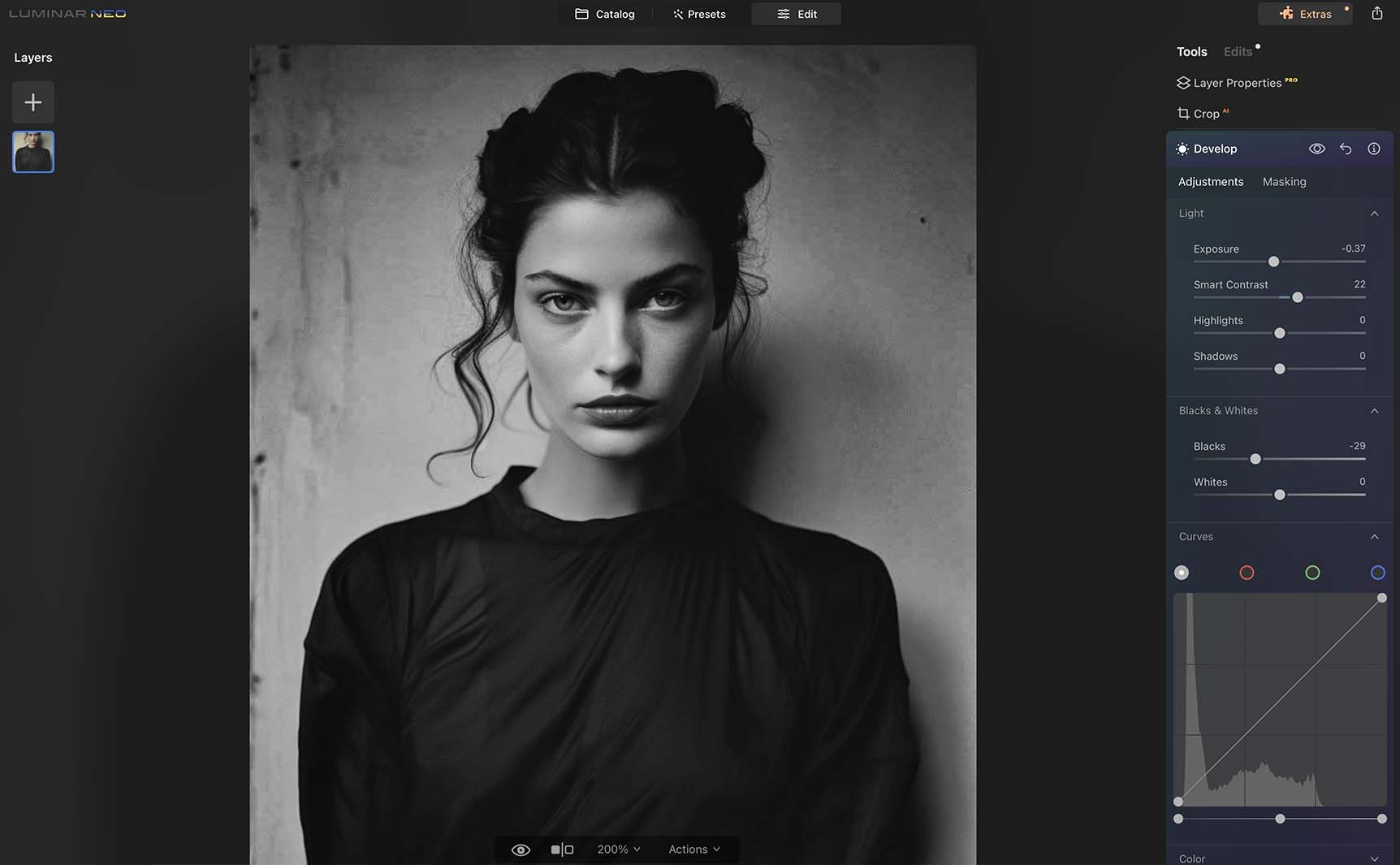
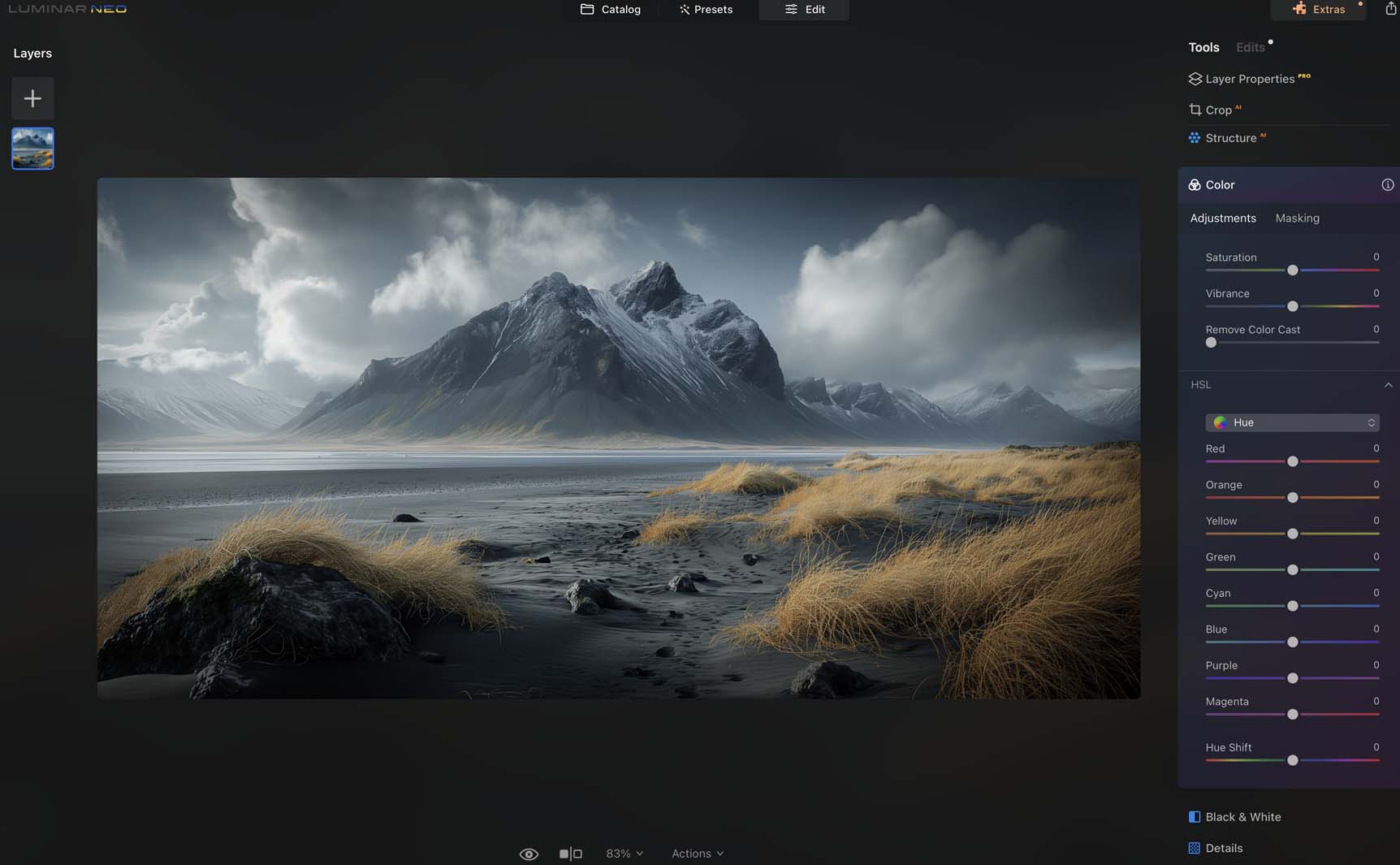 Portrait Extensions for Flawless Portraiture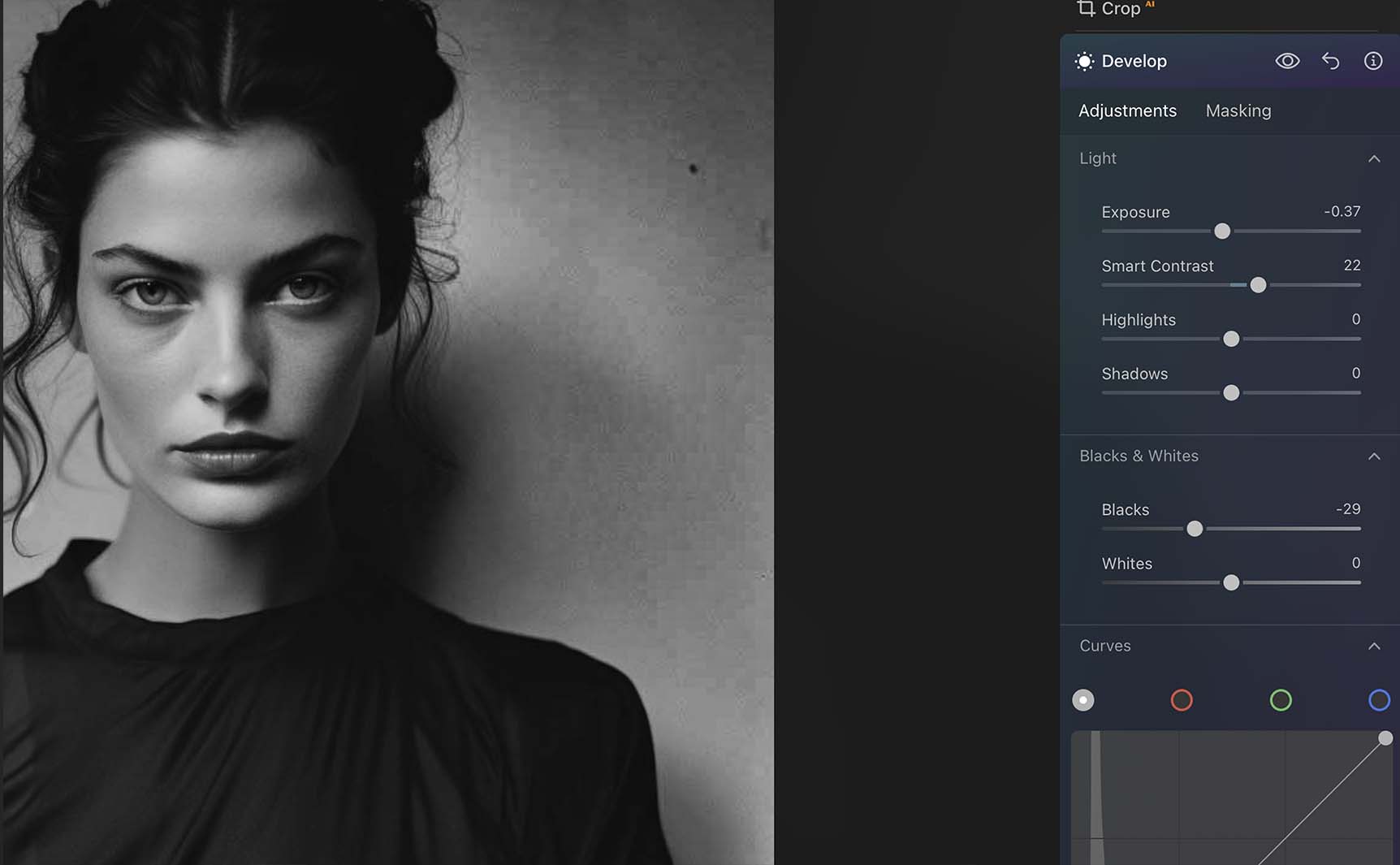
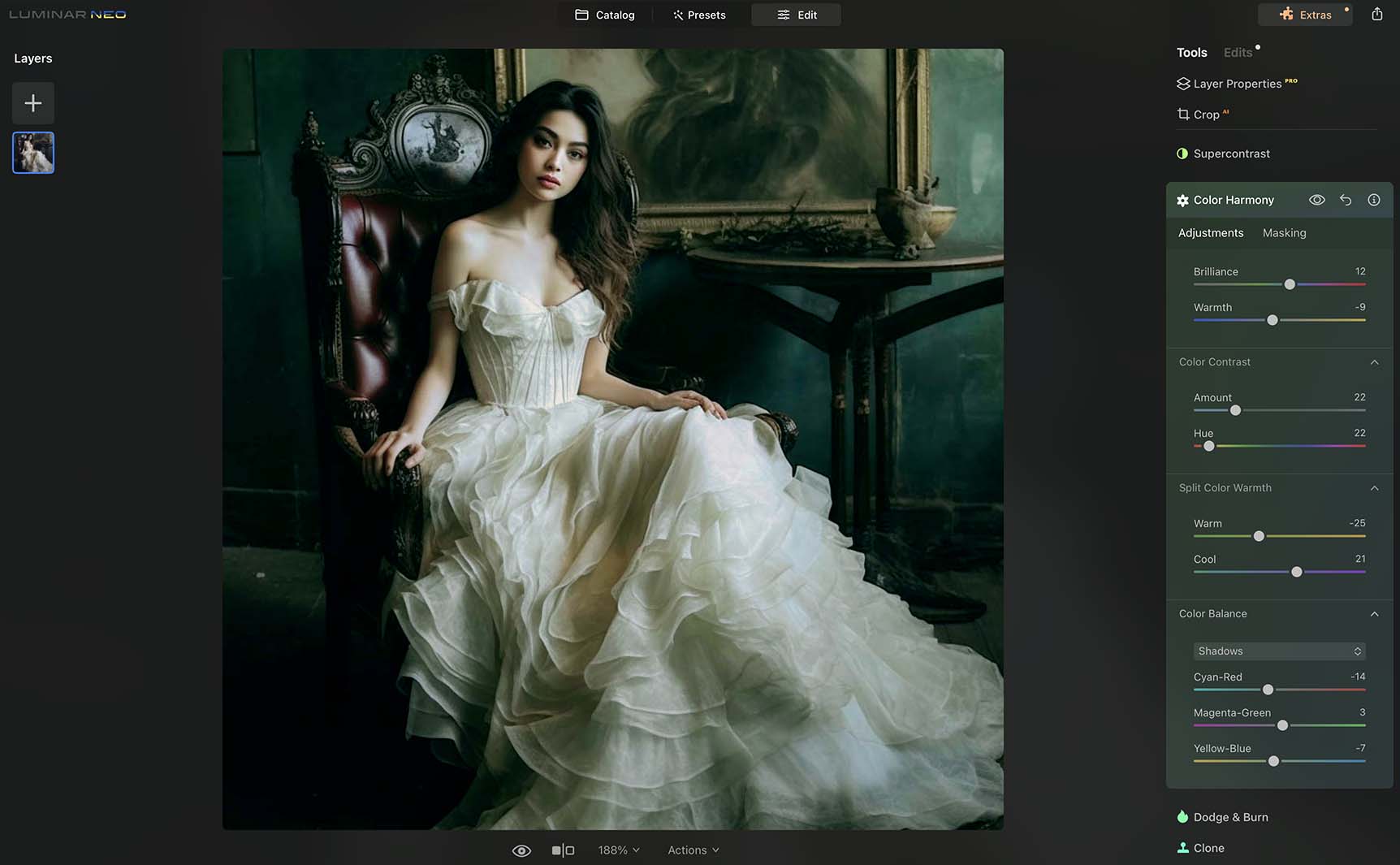 User-Friendly Interface for All Skill Levels
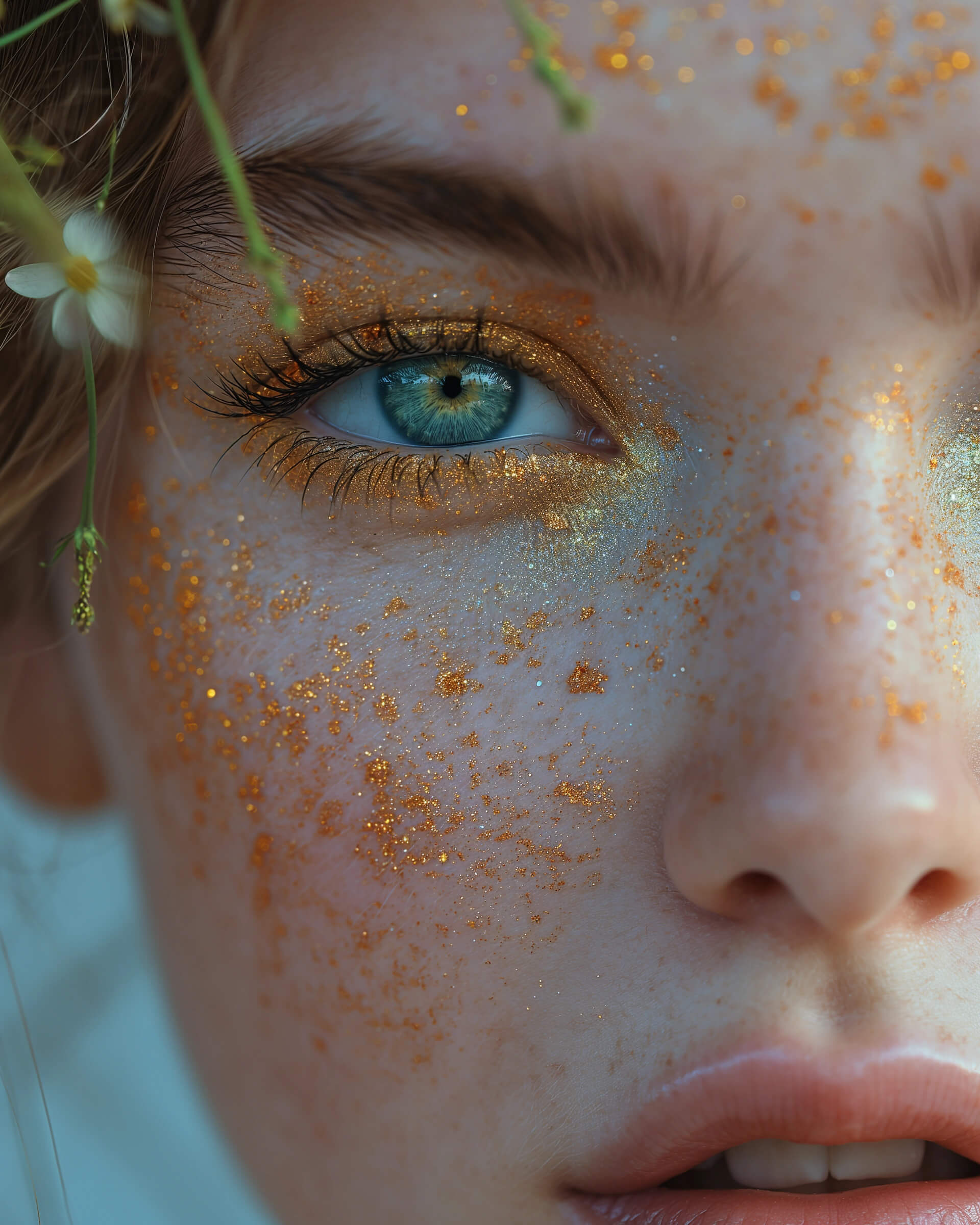 Understanding the Basics of Beauty Retouching in Photoshop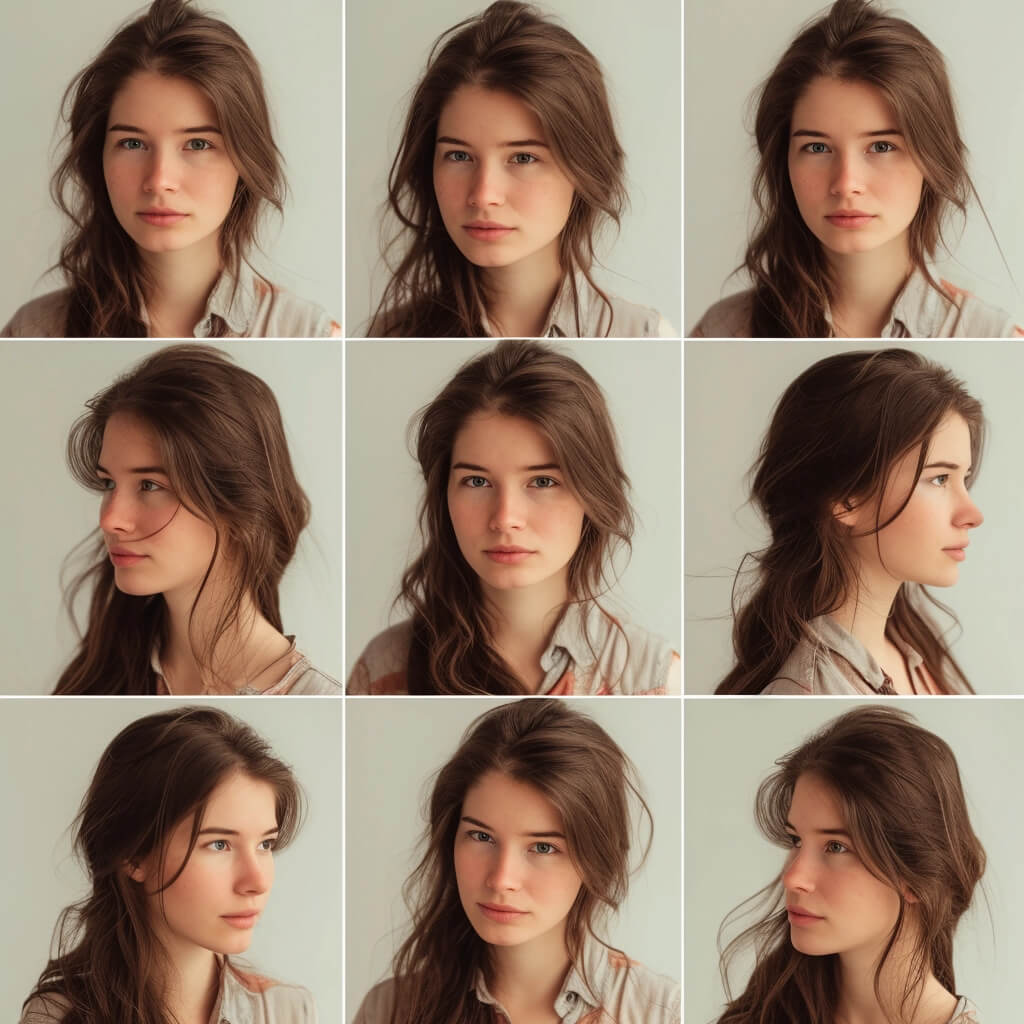
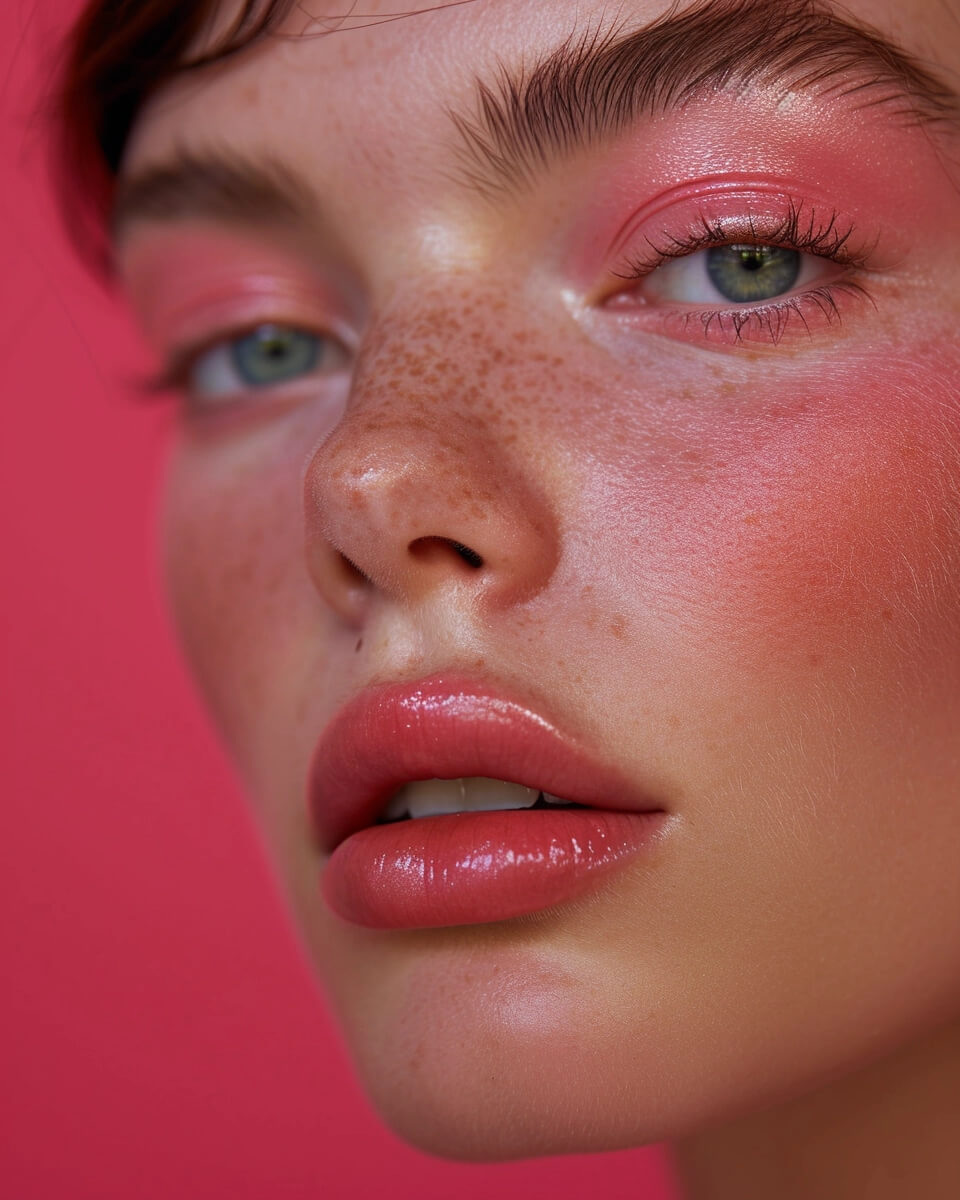
 Enhancing Features with Dodge and Burn
 Using Layers to Preserve Image Quality

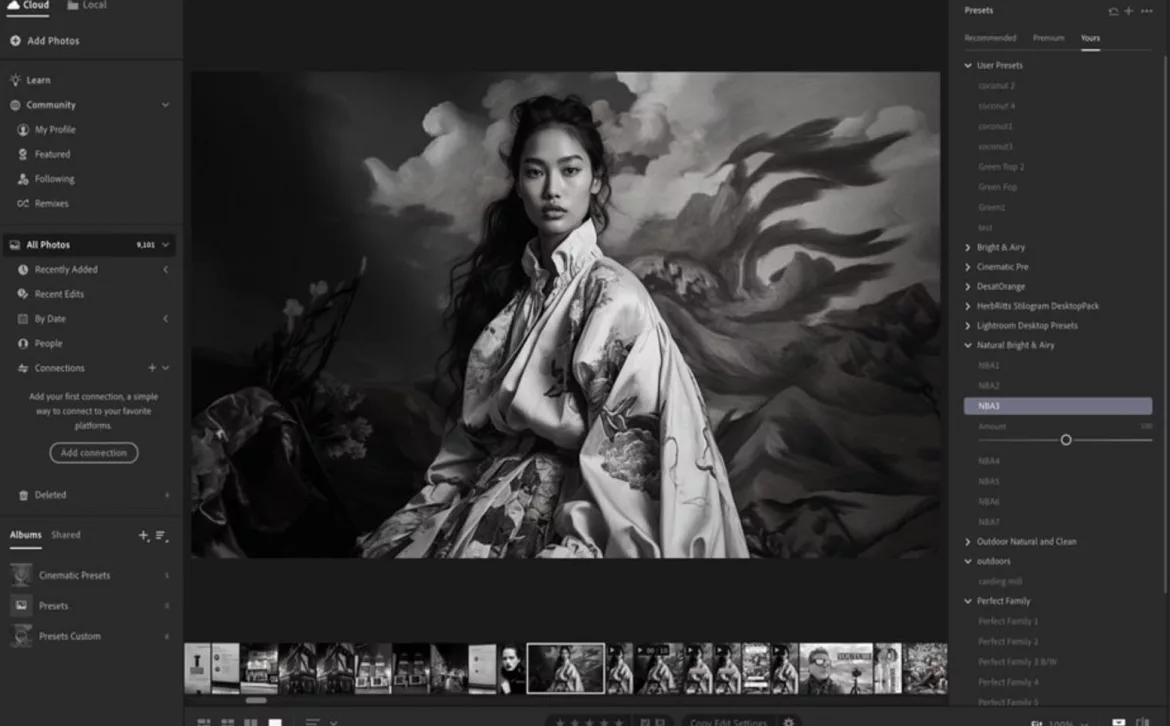
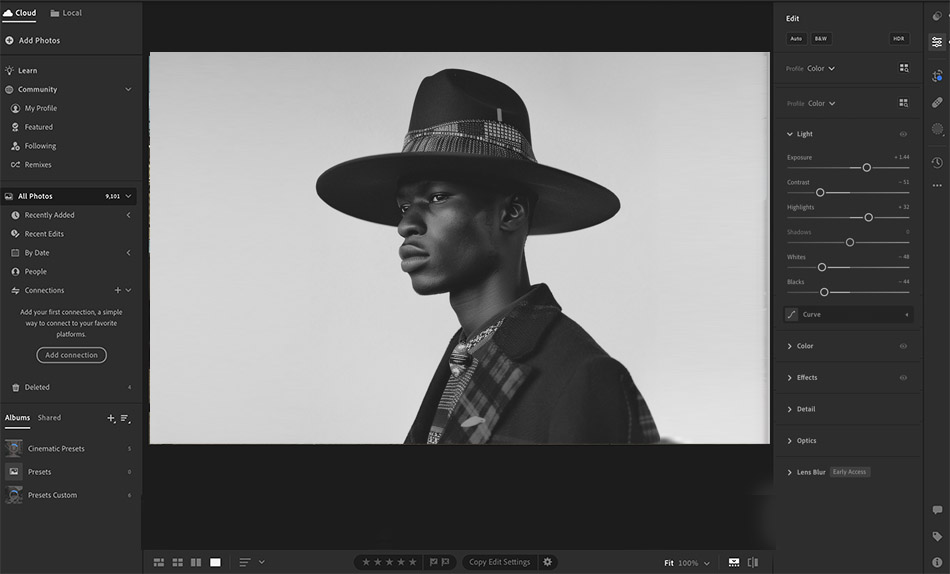 In this article, I will guide you on becoming a master of Adobe Lightroom Mobile, uncovering its hidden gems, and teaching you how to maximize its potential. Let’s dive in and unlock the secrets of this portable software so you can unleash your creativity and bring your photos to life!
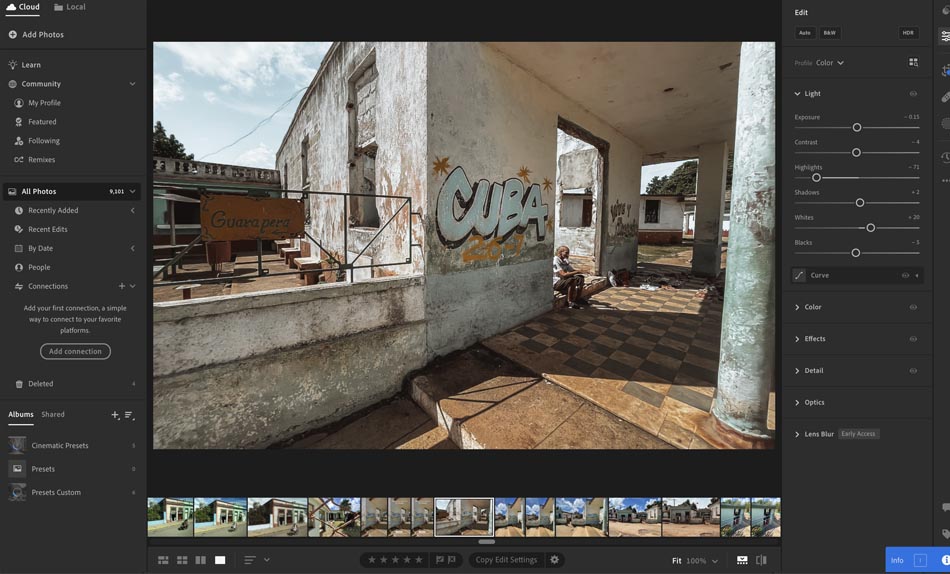
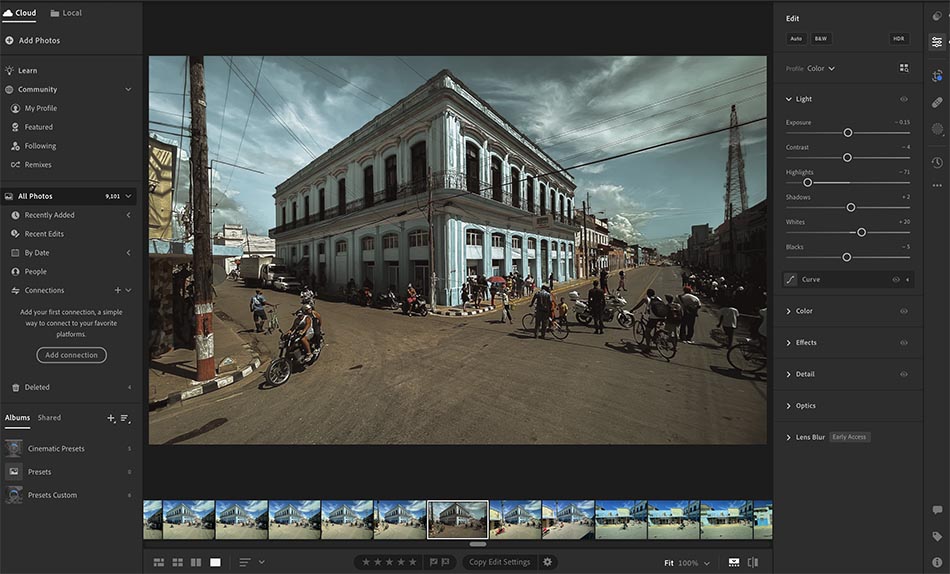 Make Adjustments That Truly Shine
 Add Filters for Instant Visual Impact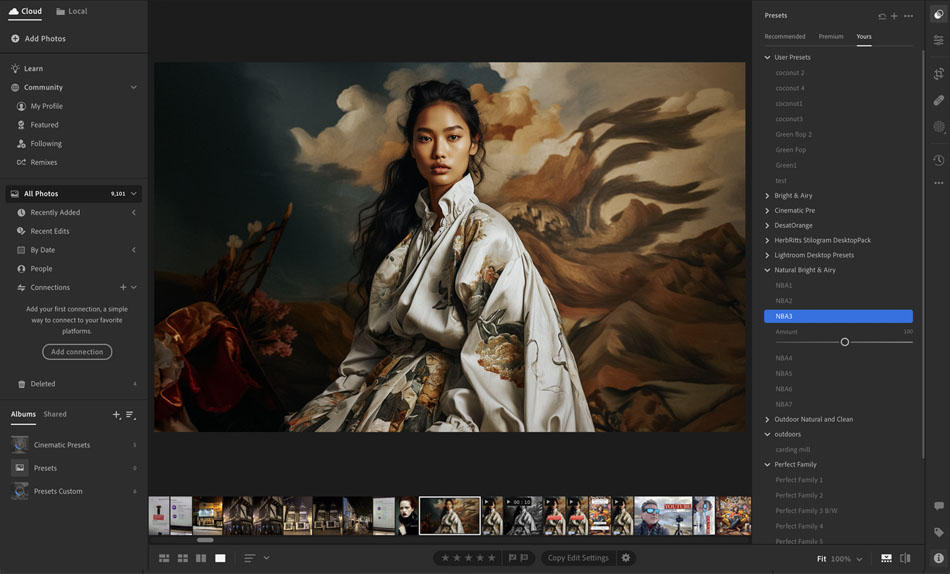
 Access to Thousands of Resources
 Edit Both Photos and Videos
 Make Print Marketing Materials
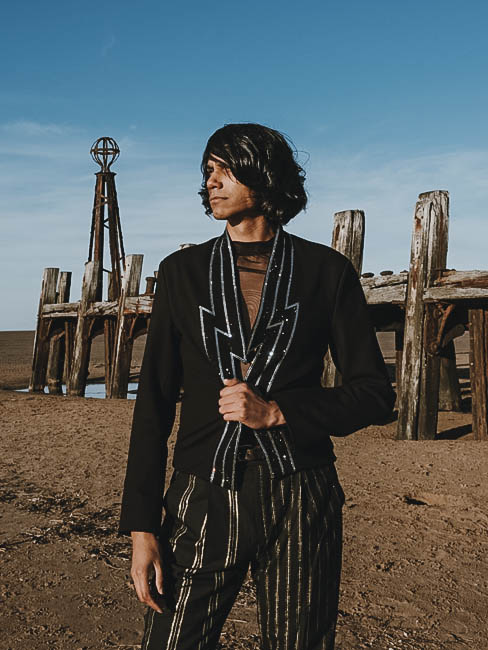
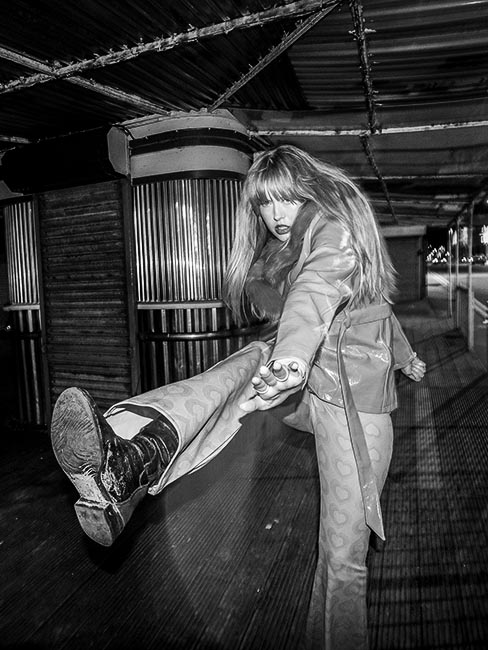
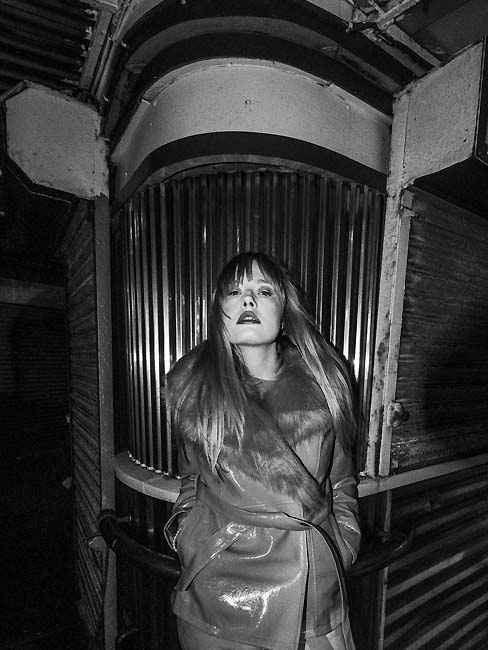

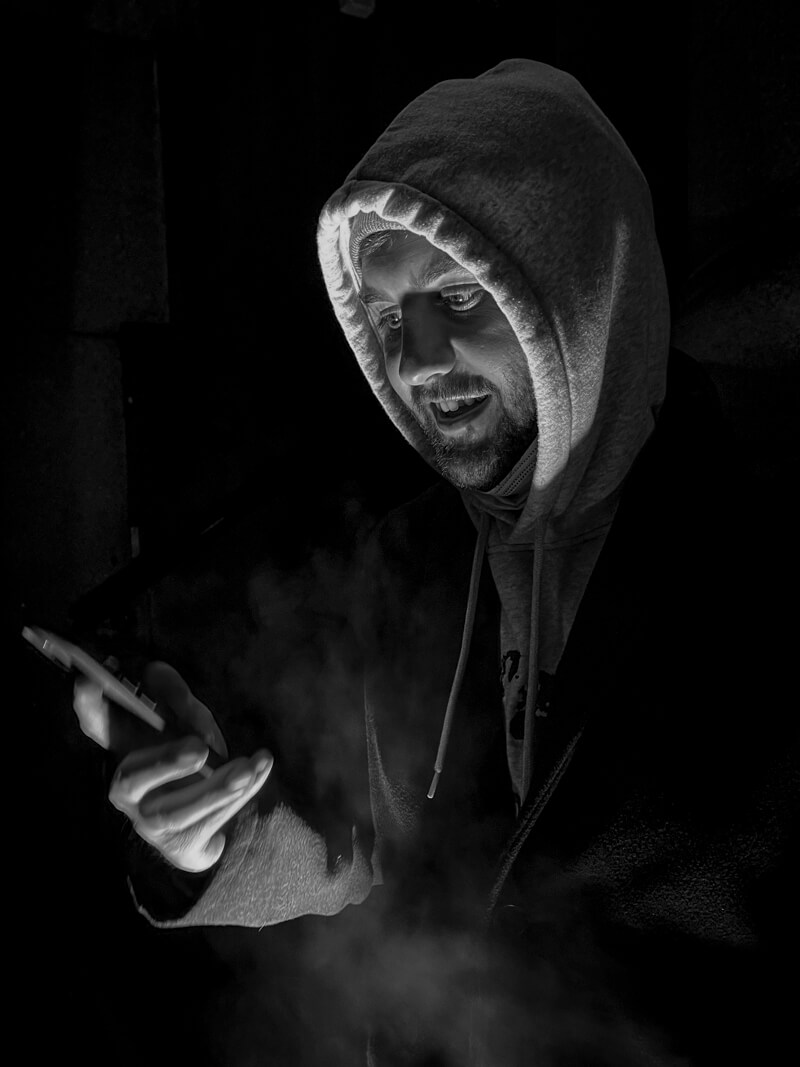




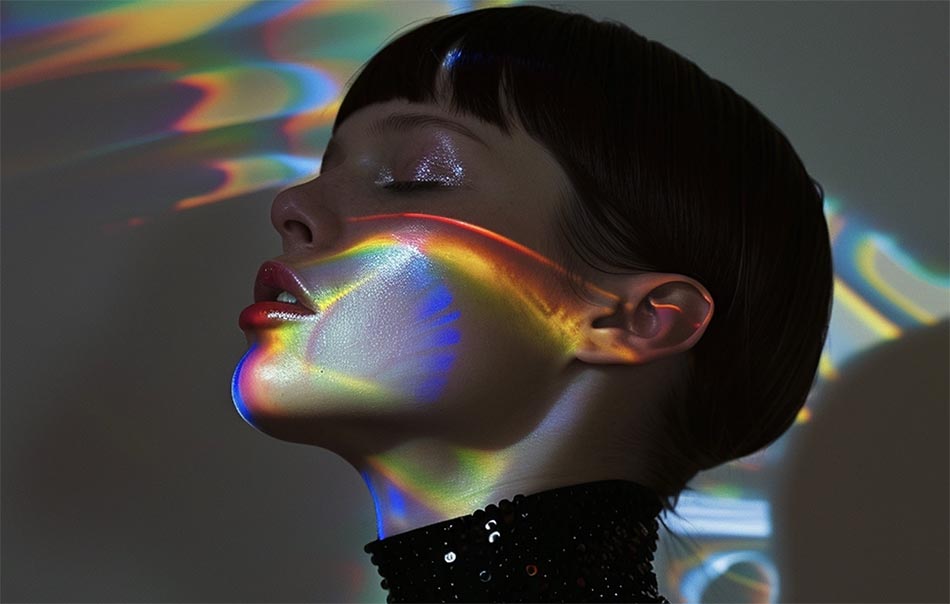

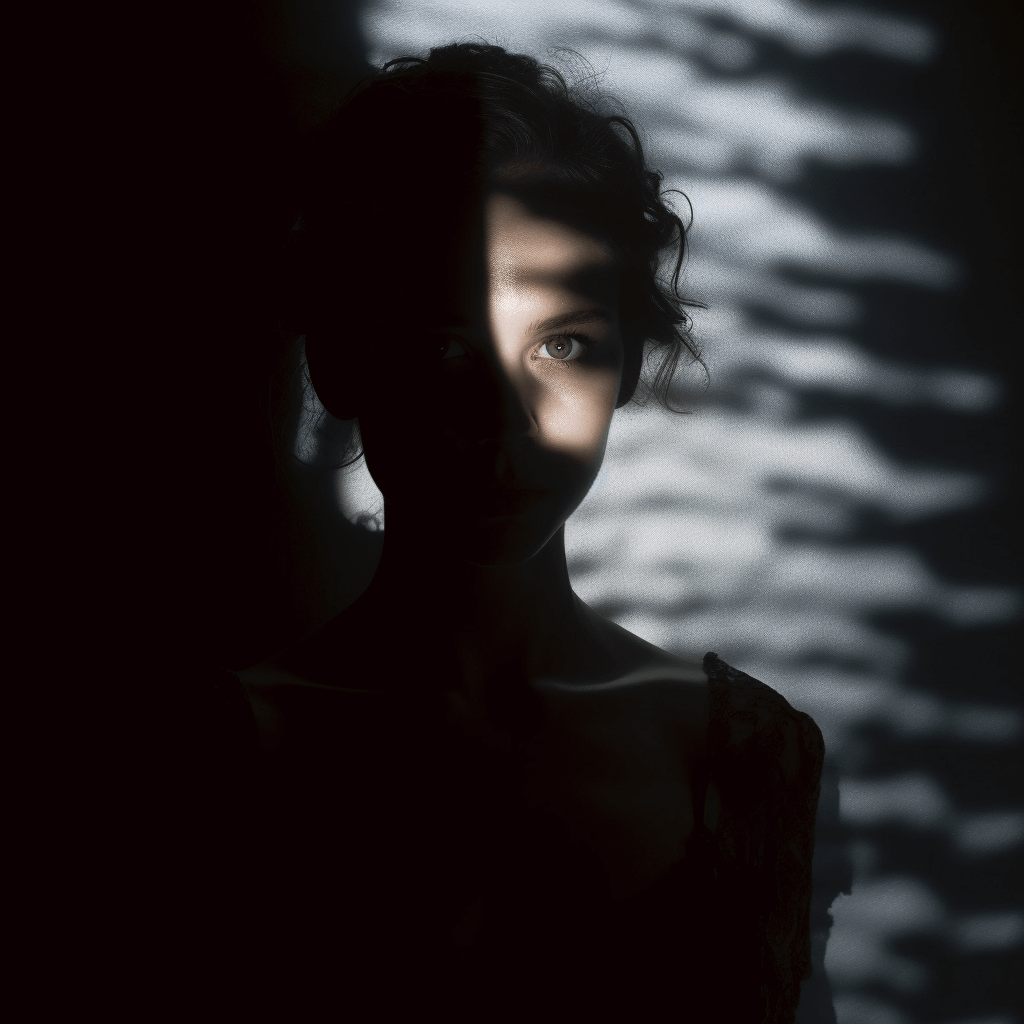 Projection Distance: To regulate the size of the projected picture, adjust the distance between the projector and the wall. Place the projector at least four feet away from the wall for smaller pictures and at least eight feet away for bigger, more immersive presentations.
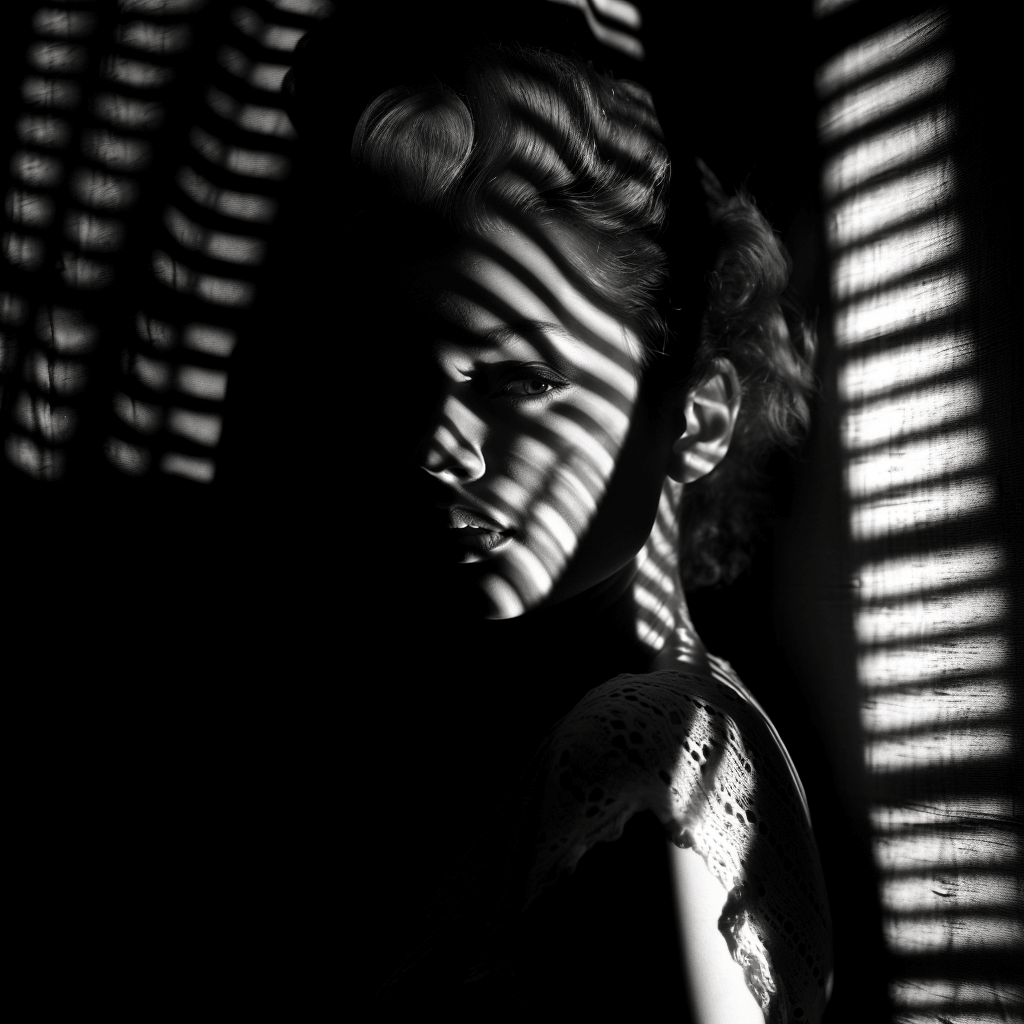 Mastering Projector Photography Camera Settings